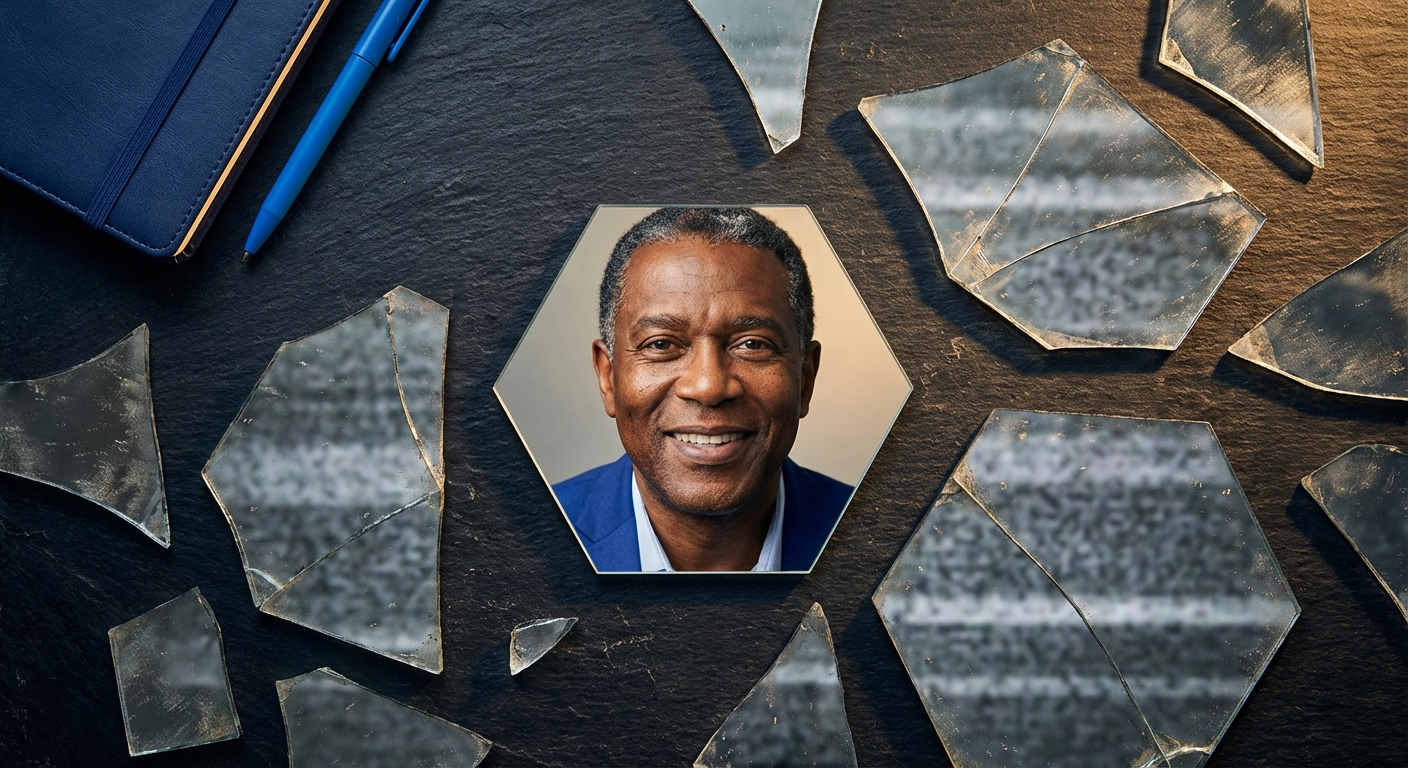
The fastest way to improve a headshot is to simplify everything: soft even light on your face, a clean background, clothing that matches the role, and a natural expression that still looks like you. Then judge the crop at thumbnail size before you publish.
A photographer session typically costs $150 to $400. Portreya Starter is $4.99 for 2 photos from one clear selfie in about 60 seconds per image, one-time, with a money-back guarantee.
This guide is for individuals who need a credible professional image for LinkedIn, a resume, a speaker bio, a company site, or a portfolio. It is not a corporate team rollout playbook. If you manage headcount-wide photos, start with TeamShotsPro instead.
For a broader overview of what counts as a professional headshot, see our professional headshots guide. Below we focus on the practical tips that change how the photo reads.
Decide the use case before you shoot
A LinkedIn profile photo, a job application photo, a speaker bio, and an acting package should not all look the same. Decide the primary surface first, then style toward that crop and tone.
- LinkedIn and company directories: head-and-shoulders, clean background, business-casual or business attire. Prefer a crop that still works when LinkedIn circles it.
- Resume or job application: more conservative. Some countries expect a photo on a CV; many US employers prefer none. If you include one, keep it simple and current. See job application photo and foto CV for norms by market.
- Speaker or personal brand sites: slightly more personality is fine if the face still leads.
- Acting or modeling: follow casting-format specs, not LinkedIn norms. See actor headshots and model headshots.
Lighting tips that actually move quality
Lighting does more for skin, expression, and perceived quality than any filter.
- Face a large soft source. A window on an overcast day, or a window with sheer curtains, is hard to beat. Stand a few feet back so the light wraps rather than blasting one cheek.
- Avoid overhead-only light. Ceiling spots carve eye sockets and age the face. If the room only has overhead light, add a lamp at face height or turn toward a window.
- Skip harsh noon sun outdoors. Midday sun creates raccoon eyes and shiny foreheads. Open shade (north side of a building, under a porch edge) is safer.
- Keep the light slightly above eye level, not below. Light from below looks theatrical and rarely reads as professional.
- Watch glasses glare. Tilt the frames a few degrees or raise the light source so the reflection leaves the lenses.
Background tips: clean beats clever
Your face is the product. The background should support it, not compete.
- Prefer solid or softly out-of-focus neutrals: soft gray, warm beige, muted blue, or a simple office blur.
- Avoid pure white if the photo will appear on LinkedIn dark mode. Mid-tone backgrounds hold up better. See headshot backgrounds for style comparisons.
- Clear clutter: shelves, laundry, plants growing out of your head, and bright posters all pull attention.
- Leave a little space above the hair. Tight ceiling crops feel accidental.
- Distance helps. Step a few feet away from the wall so you do not cast a hard shadow behind you.
Clothing and grooming tips
Clothing should match the role you want, not the role you had two jobs ago.
- Solid colors and subtle textures photograph cleaner than busy patterns.
- Navy, charcoal, forest, burgundy, and soft neutrals usually hold up across industries.
- Avoid pure white and neon next to skin in uncontrolled light. They blow out or cast color.
- Fit matters more than price. A wrinkled expensive blazer loses to a clean, well-fitting knit.
- Layers add structure for men and women: blazer over a simple top, or a collar that frames the face.
- Jewelry and logos: keep them quiet. One simple piece is fine; big reflective jewelry creates hotspots.
- Hair and skin: clean, settled hair; blot shine on the T-zone; skip heavy filters that erase pores entirely.
Pose and expression tips
Most weak headshots fail on posture and expression, not on cameras.
- Sit or stand tall through the spine, then relax the shoulders down.
- Push the face slightly toward the lens (a small "turtle" move) to sharpen the jaw without looking aggressive.
- Angle the body 10 to 30 degrees, then turn the face back toward the camera. Straight-on square shoulders can work, but a slight angle usually feels more natural.
- Eyes to the lens. Looking just off camera often reads as disengaged on LinkedIn.
- Use a real micro-smile. Think of someone you like. Forced teeth-forward grins look tense at thumbnail size.
- Take more frames than you think you need. Expression settles after the first awkward ten seconds.
Phone and DIY camera tips
You can get a usable headshot with a modern phone if the light and framing are right.
- Use the rear camera when possible; it is usually sharper than the front camera.
- Clean the lens. Fingerprint smudges soften faces more than people expect.
- Hold the camera at or slightly above eye level. Low angles distort the nose and chin.
- Pinch zoom only a little, or step closer. Heavy digital zoom softens detail.
- Tap to focus on the eyes, then lock exposure if your phone allows it.
- Shoot in portrait orientation for platform uploads, then crop.
- Burst mode or a short timer helps if you are solo.