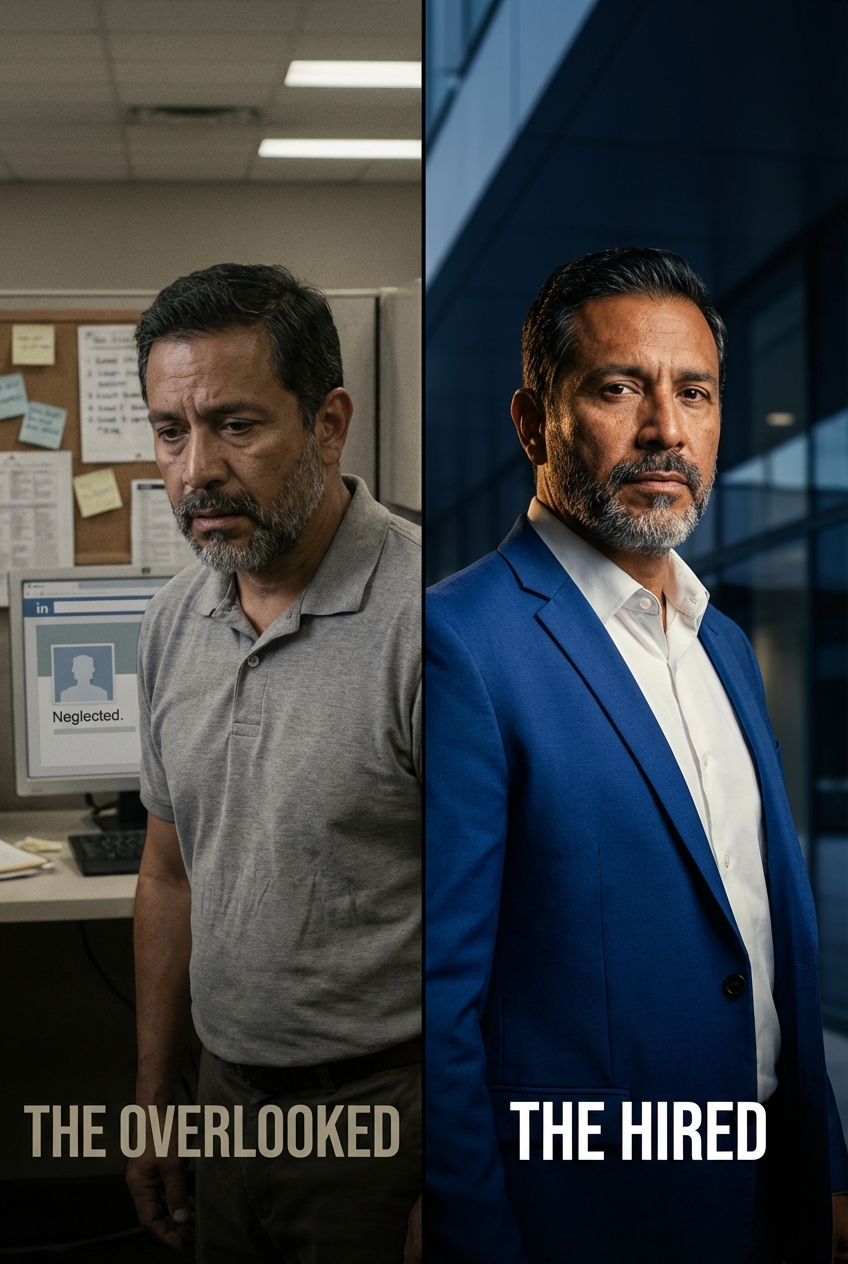
PortreyaJournal

Professional LinkedIn Headshots Guide

MH
Matthieu van HaperenFounder & CEO, Portreya · Updated Aug 2026

TL;DR: Quick Answer

The best LinkedIn headshot is clear, current, face-forward, and natural; you rarely need a studio shoot unless the image is also for press or executive branding.

Follow the core guidelines: a square upload of at least 400 by 400 pixels, your face at around 60 percent of the frame, only you in the photo, and no heavy filters.

LinkedIn crops your square upload to a circle, so center your face, keep eyes in the upper third, and leave margin so the circle never clips you.

Three ways to get one: your phone and daylight (costs time), an AI generator working from one clear selfie (about a minute, a fraction of studio cost), or a photographer at $150 to $400 for high-stakes uses.

Professional LinkedIn Headshots Guide

Direct answer: The best LinkedIn headshot is clear, current, face-forward, and natural. There are three ways to get one: take it yourself with a phone and good daylight, generate it with AI from a single clear selfie, or book a photographer for high-stakes uses. For most professionals, the first two are enough.

This guide is written for an individual who needs a credible professional image, not a company photo day. It covers the guidelines that actually change how your photo reads, the framing rules LinkedIn's circular crop imposes, and an honest comparison of the ways to get the photo, including what each one costs.

Why your LinkedIn photo carries so much weight

Your headshot is the first thing most people see before they read a single word of your profile. A profile with no photo reads as incomplete, and many people skip past it without a second look. A clear, confident photo does the opposite: it signals that you are real, present, and worth a message. You do not need a perfect studio portrait to earn that trust. You need a photo that looks like the most prepared version of you.

What recruiters notice first

Recruiters and clients scan for trust signals in the first second:

  • A visible, well-lit face that fills a sensible portion of the frame.
  • A calm, approachable expression.
  • A clean background that does not compete with your face.
  • Clothing that matches the role you want next.
Extreme filters, busy backgrounds, group-photo crops, and obvious vacation shots all work against you. When in doubt, simpler always wins.

LinkedIn headshot guidelines that actually matter

If you only remember eight rules, make them these:

  1. Upload a square image of at least 400 by 400 pixels. That is LinkedIn's stated minimum, and the file must stay under 8 MB. A larger square stays sharp on high-resolution screens.
  2. Let your face take up around 60 percent of the frame. This matches LinkedIn's own guidance and what works in practice: head and shoulders, close enough that your expression is readable at thumbnail size.
  3. Be the only person in the photo. Cropped group shots read as an afterthought, and a stray shoulder or arm at the edge is always visible.
  4. Keep it recent. If you met the viewer today, they should recognize you without a double take. A new haircut, new glasses, or a very different look means a new photo.
  5. Look at the camera with a relaxed expression. Eyes to the lens build more trust at profile size than any artistic angle.
  6. Choose a simple background that contrasts with your outfit. You should never blend into a silhouette.
  7. Skip heavy filters and over-retouching. The photo has to look like you in person. Polish, not transformation.
  8. Dress for the role you want next. Your outfit is a signal about the level you operate at, and it costs nothing to get right.
The sections below unpack the rules people get wrong most often.

LinkedIn photo size and safe zone

LinkedIn shows your profile photo as a circle, even though you upload a square image. That one detail changes how you should frame the shot:

  • Upload a square image, at least 400 by 400 pixels (larger is better and stays sharp on high-resolution screens).
  • Because the display is circular, the corners get cropped off. Center your face and leave breathing room on all sides so the circle never clips your forehead, chin, or ears.
  • Keep your eyes in the upper third of the frame and leave a little space above your head.
For exact dimensions, file limits, and the different places LinkedIn reuses your photo, see the LinkedIn headshot size guide. For the platform rules and what makes a picture read well at thumbnail size, see the LinkedIn profile picture rules.

Framing, crop, and angle

A few small choices separate a profile photo from a selfie:

  1. Crop tight, but not too tight. Your head and the top of your shoulders is the classic headshot crop. A full upper body shrinks your face to a dot inside the circle.
  2. Square first, circle second. Compose for the square, then picture the circle on top of it. Anything important in the corners will disappear.
  3. Slight angle, eyes to camera. A small turn of the shoulders with your eyes facing forward looks engaged and natural. Straight-on can work, but it is less forgiving.
The headshot poses guide covers angles and posture in more detail.

Expression: smile or serious

A relaxed, approachable expression performs best for most people. A genuine, slight smile reads as confident and easy to work with. A fully serious expression can suit law, finance, and executive contexts, but it should look composed, never tense or flat. The fastest way to a natural expression is to relax your jaw and think of something you are actually looking forward to.
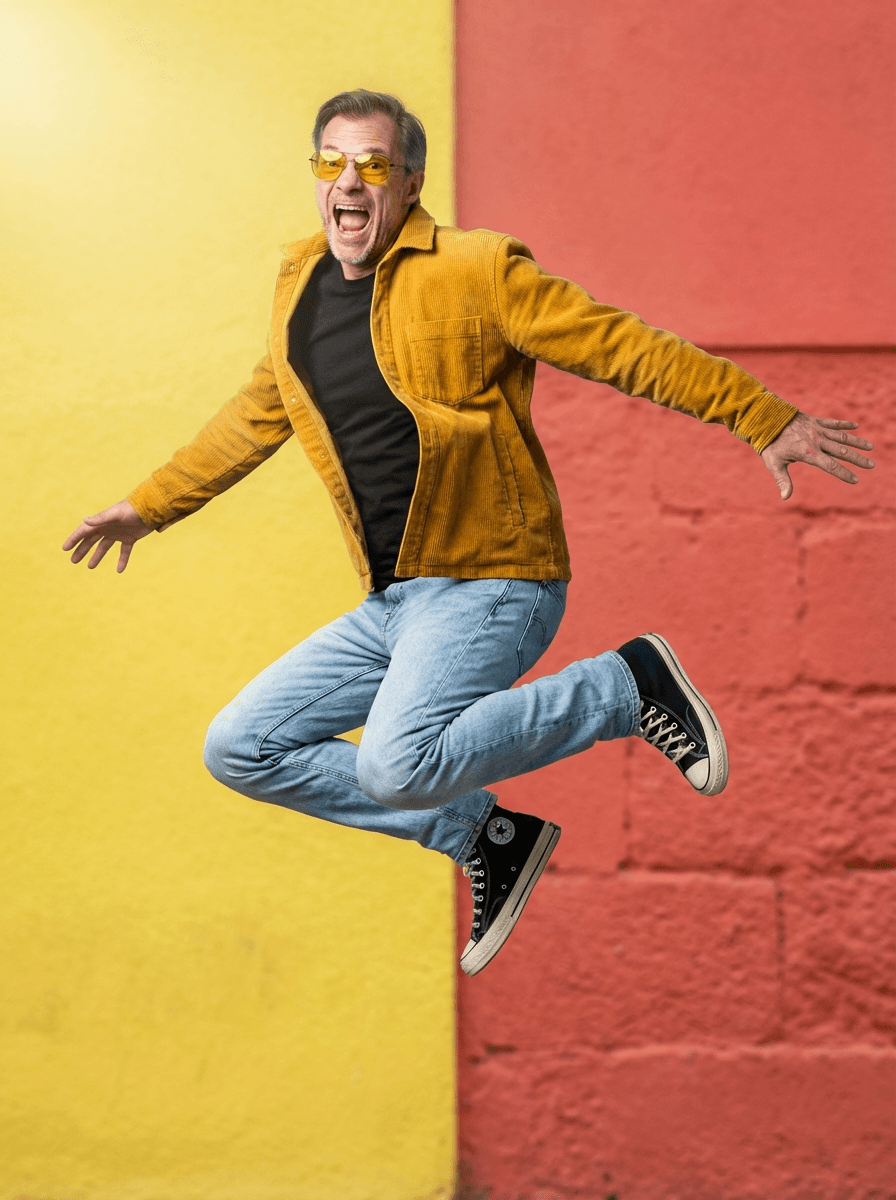
Background and wardrobe

Your background and your outfit are one decision. A soft, uncluttered background keeps the focus on your face and works on the small scale LinkedIn displays. Choose a top that sits a clear step lighter or darker than the background so you never blend into a silhouette. The headshot backgrounds guide walks through which pairings hold up best at profile size.

Create professional headshots with Portreya

Open a free account, upload a selfie, and pick your style.

Create your free account

How to get a professional headshot for LinkedIn

There are three realistic routes. The right one depends on how much control, time, and budget you have.

1. Take it yourself with a phone. Modern phone cameras are more than sharp enough for a profile circle. The only real cost is your time. The catch is consistency: you need good daylight, a steady camera, and the patience to take a lot of frames before one reads as a professional photo rather than a selfie. The step-by-step below covers it.

2. Generate it with AI from one clear selfie. An AI headshot generator takes a single clear selfie and returns professional variations in about a minute, with studio-style lighting, background, and outfit handled for you. Each generation produces a small set of options, so you pick the most natural result instead of settling for the one frame you managed to capture. This is the practical middle path: far more controlled than a phone attempt, at a fraction of the price of a studio session. Choose a result that still looks like you on a good day and skip anything over-styled or avatar-like.

3. Book a photographer. A traditional studio session typically runs $150 to $400 (the headshot cost breakdown compares every option's real prices). It is still the better call when the same image also has to serve press, casting, speaking engagements, or executive branding, and when you want live direction on posture and expression. For a profile refresh alone, it is usually more time and money than the result requires.

If you are weighing the last two, the AI versus photographer comparison goes deeper on quality, cost, and when each option wins.

How to take a LinkedIn headshot with your phone

If you go the DIY route, follow these steps in order. They remove the most common failure points before you press the shutter.

  1. Face a large window in daylight. Indirect window light is the closest thing to studio softbox light you have at home. Never stand with the window behind you.
  2. Put the camera at eye level. Prop the phone on a shelf or use a tripod. An arm's-length selfie angle distorts your features and is the fastest giveaway.
  3. Use the rear camera and a timer. The rear lens is sharper than the front one, and a three to ten second timer lets you settle your posture and expression.
  4. Frame head and shoulders with margin. Stand far enough back that your head and the top of your shoulders fill the frame with breathing room on all sides for the circular crop.
  5. Keep the background plain. A neutral wall a step or two behind you beats any busy room. Check that it contrasts with your top.
  6. Take many frames and vary only the expression. Keep the setup fixed and run through a few takes: relaxed, slight smile, composed. Small differences read clearly at profile size.
  7. Pick, then crop square. Choose the frame where you look most like yourself on a good day, crop to a square with your eyes in the upper third, and upload.
If everything still reads as a selfie after twenty takes, that is normal. Lighting and consistency are the hard part, and generating options from your best single photo is the shortcut most people end up taking.

What the best LinkedIn headshots have in common

Shrink any headshot you are considering down to the size of a coin. The best ones survive that test: the face is still readable, the expression still lands, and nothing in the background pulls the eye. They are also boring in the best way. No dramatic angle, no statement background, no heavy edit. Recruiters do not remember creative profile photos; they remember clear ones attached to strong profiles.

Common LinkedIn photo mistakes

  • Using a cropped group or wedding photo where someone else's arm is still visible.
  • A face so small inside the circle that your expression is unreadable.
  • Heavy filters or over-retouching that make you look unlike yourself in person.
  • A distracting or cluttered background that pulls the eye off your face.
  • An outfit that matches the background and disappears into it.
  • An outdated photo from many years and one haircut ago.

Quick LinkedIn checklist

  • Square upload, at least 400 by 400 pixels, face centered for the circular crop.
  • Eyes in the upper third, head-and-shoulders framing, a little headroom.
  • Calm, approachable expression with eyes to camera.
  • Clean background with clear contrast against your top.
  • Looks like you on a good day, not a filtered or years-old version.
  • If it still reads as a selfie, generate another option.
If your photo is part of a broader professional presence, sites, speaker bios, social profiles, the personal branding photos guide covers what a working set contains.

Next step

Test this with your own face using the AI headshot generator. Nail the exact dimensions with the LinkedIn headshot size guide, or compare AI versus a photographer before you decide.

Frequently asked questions

How do I get a professional headshot for LinkedIn?

You have three options: take it yourself with a phone in good daylight, generate one with AI from a single clear selfie, or book a photographer. For a standard profile refresh, the phone or AI route is usually enough; a photographer makes sense when the image also has to serve press or executive branding.

How much does a professional LinkedIn headshot cost?

A traditional studio session typically costs $150 to $400. AI headshot generators deliver professional results for a fraction of that, and taking your own photo with a phone costs only your time. Match the spend to the stakes of how the photo will be used.

Can I take my own LinkedIn headshot with a phone?

Yes. Face a large window for soft daylight, put the phone at eye level on a tripod or shelf, use the rear camera with a timer, frame head and shoulders with margin for the circular crop, and take many frames. The hard part is getting a result that reads as a professional photo rather than a selfie.

Can I use an AI headshot on LinkedIn?

Yes, as long as it looks like a realistic professional photo. Choose a natural result and avoid avatar-like or overly retouched images that do not look like you in person.

Should I smile in a LinkedIn headshot?

A relaxed, approachable expression usually performs best. A serious expression can work in formal fields, but it should look composed rather than tense.

What size should a LinkedIn profile photo be?

Upload a square image of at least 400 by 400 pixels. LinkedIn crops it to a circle, so center your face and leave margin around the edges. See the LinkedIn headshot size guide for full details.

Does a LinkedIn photo really matter?

Yes. Your photo is the first thing most people see, and a profile without one often gets passed over. A clear, current photo makes you look present and approachable, which encourages people to read on and reach out.

How current should my headshot be?

Recent enough that you would be recognizable if you met the viewer today. If your hairstyle, glasses, or general look has changed noticeably, it is time to refresh the photo.

Primary cluster page

Frequently Asked Questions

How do I get a professional headshot for LinkedIn?+

You have three options: take it yourself with a phone in good daylight, generate one with AI from a single clear selfie, or book a photographer. For a standard profile refresh, the phone or AI route is usually enough; a photographer makes sense when the image also has to serve press or executive branding.

How much does a professional LinkedIn headshot cost?+

A traditional studio session typically costs $150 to $400. AI headshot generators deliver professional results for a fraction of that, and taking your own photo with a phone costs only your time. Match the spend to the stakes of how the photo will be used.

Can I take my own LinkedIn headshot with a phone?+

Yes. Face a large window for soft daylight, put the phone at eye level on a tripod or shelf, use the rear camera with a timer, frame head and shoulders with margin for the circular crop, and take many frames. The hard part is getting a result that reads as a professional photo rather than a selfie.

Can I use an AI headshot on LinkedIn?+

Yes, as long as it looks like a realistic professional photo. Choose a natural result and avoid avatar-like or overly retouched images that do not look like you in person.

Should I smile in a LinkedIn headshot?+

A relaxed, approachable expression usually performs best. A serious expression can work in formal fields, but it should look composed rather than tense.

What size should a LinkedIn profile photo be?+

Upload a square image of at least 400 by 400 pixels. LinkedIn crops it to a circle, so center your face and leave margin around the edges. See the LinkedIn headshot size guide for full details.

Does a LinkedIn photo really matter?+

Yes. Your photo is the first thing most people see, and a profile without one often gets passed over. A clear, current photo makes you look present and approachable, which encourages people to read on and reach out.

How current should my headshot be?+

Recent enough that you would be recognizable if you met the viewer today. If your hairstyle, glasses, or general look has changed noticeably, it is time to refresh the photo.

60 secondsto first AI headshots

Ready to get started with Portreya?

Generate professional AI headshots in 60 seconds.

Create your free account
Matthieu van Haperen

About the Author

Founder & CEO, Portreya

Matthieu van Haperen runs Portreya, where he helps individuals turn casual selfies into professional AI headshots. Before founding Portreya, he spent 6+ years building and scaling tech startups. He writes about professional photography, personal branding, and how AI is changing online portraits.

Connect on LinkedIn