Professional headshot examples by category
Browse real AI headshot examples by category. Each gallery shows multiple distinct faces in that style, so you can judge lighting, framing, and attire before you pick a pack. Use this hub when you are searching for headshot examples or professional headshot examples and want a clear next step with Portreya.
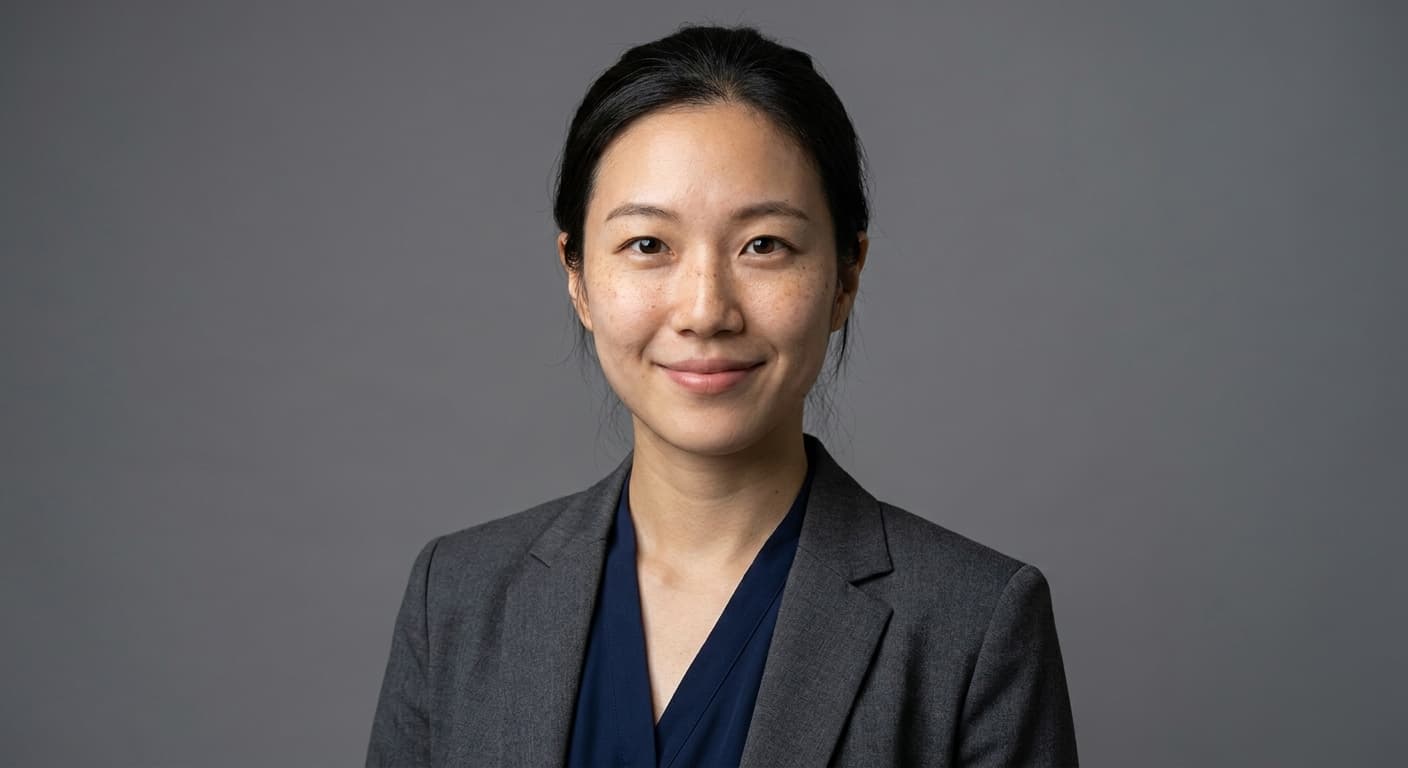
Professional Headshots for Women: AI Examples
LinkedIn, company about pages, conference bios, speaking pages, dating profiles, personal websites.

Professional Headshots for Men: AI Examples
LinkedIn, company website, conference bios, sales team profiles, personal brand sites.
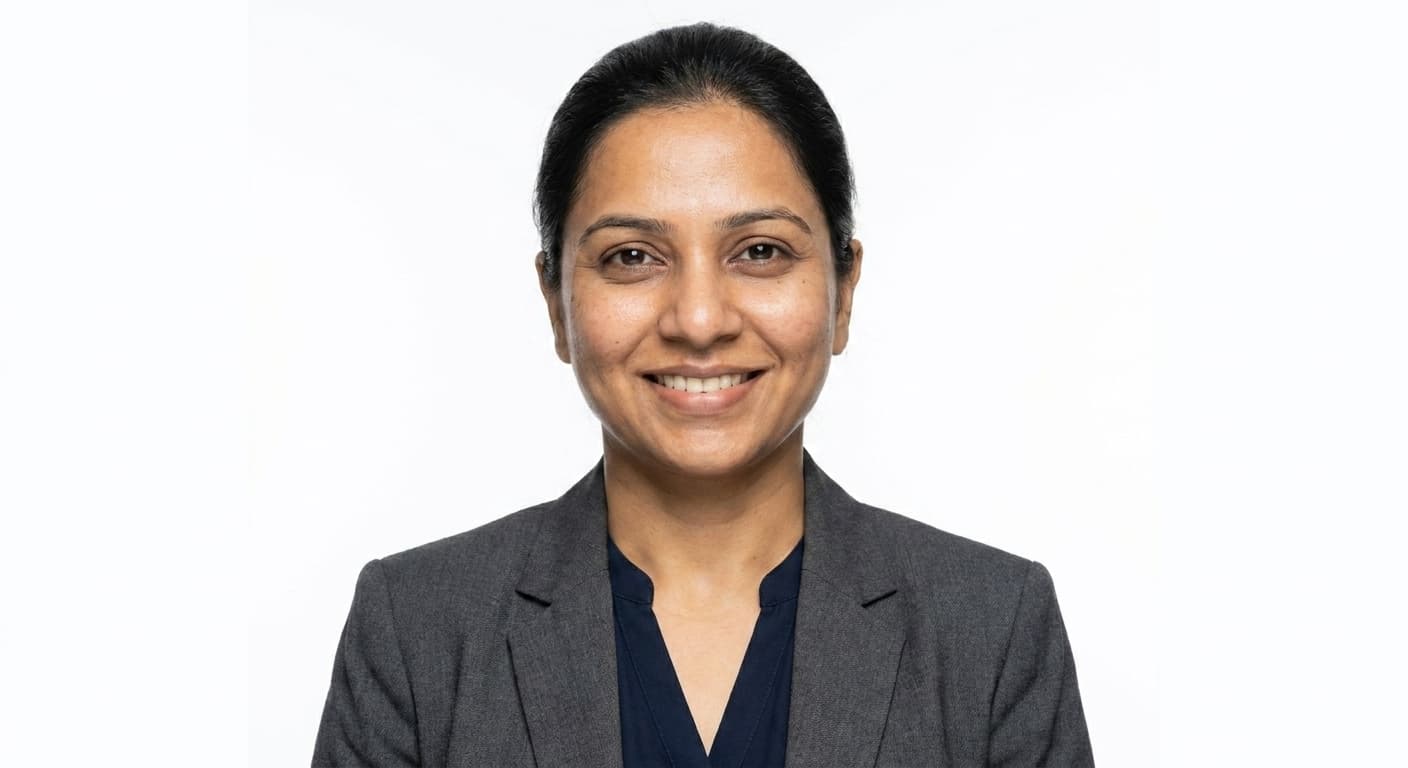
White Background Headshots: AI Examples
Press kits, book jackets, magazine bios, brand websites with light themes.
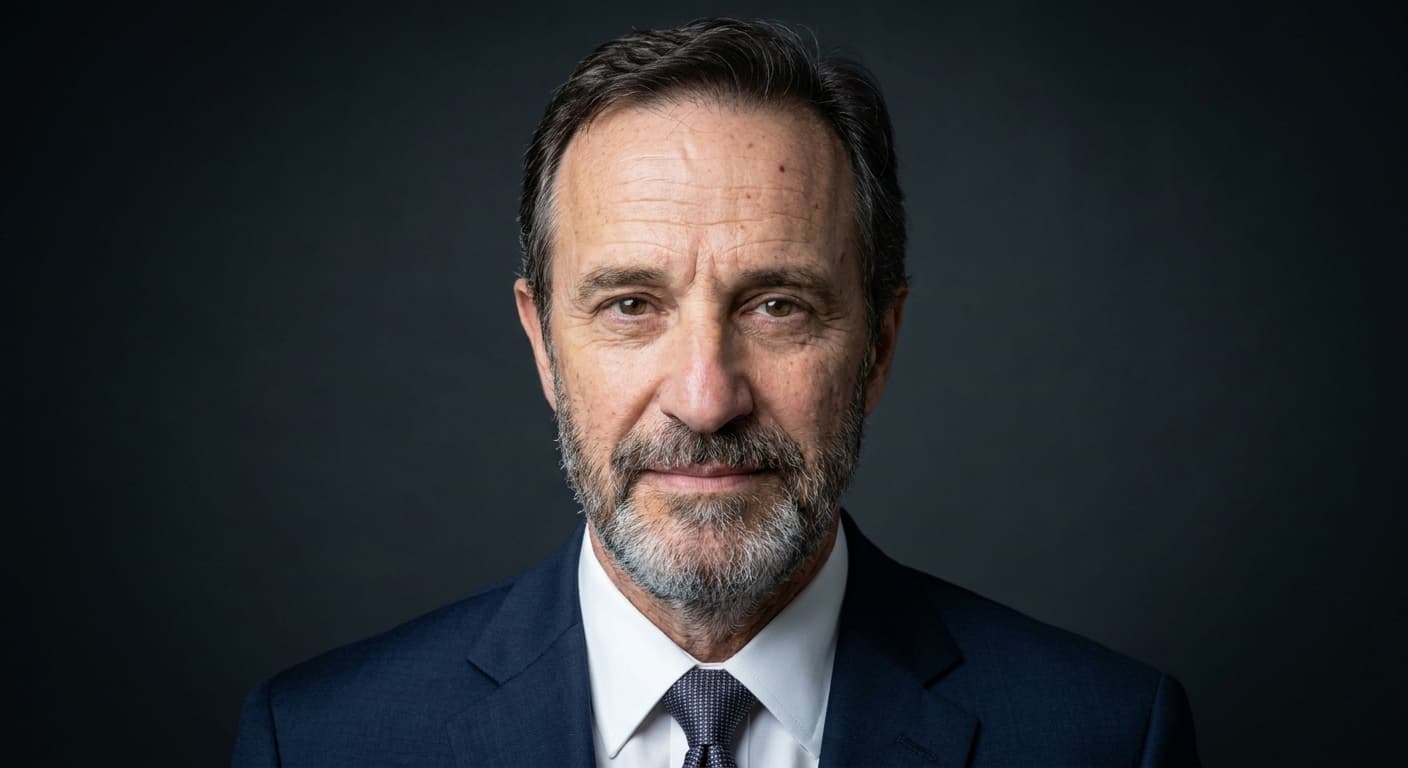
Corporate Headshot Examples (AI)
Annual reports, board profile pages, LinkedIn, company about pages, press releases, industry publications.

LinkedIn Headshot Examples (AI)
LinkedIn, recruiter outreach, professional directories, email signatures, personal brand sites.
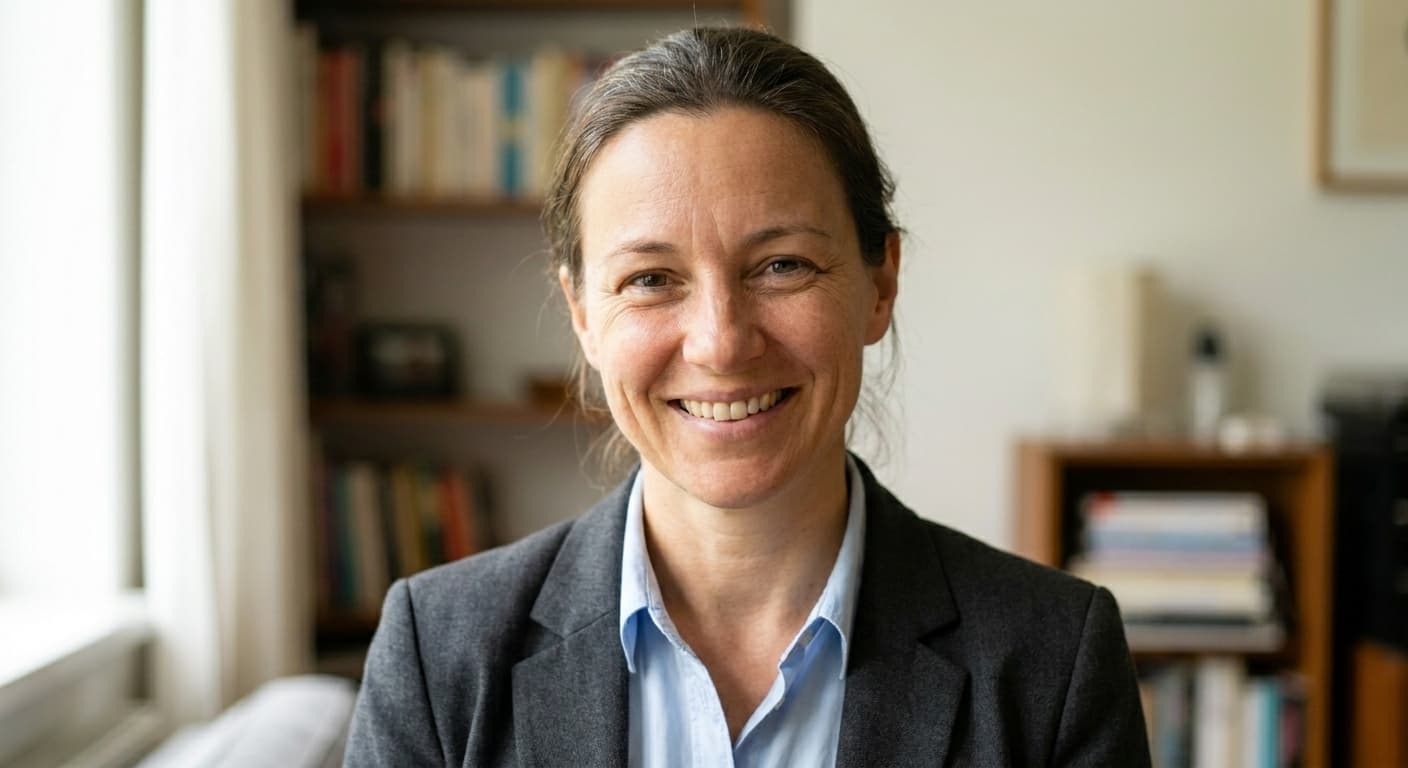
Real Estate Headshot Examples (AI)
MLS listings, Zillow, Realtor.com, brokerage website, personal website, business cards, yard signs.
What good headshot examples should show you
Useful professional headshot examples do three jobs. First, they show how the style holds across different ages, hair types, and skin tones, not just one hero face. Second, they make the crop and background choice obvious at thumbnail size, which is how LinkedIn, ATS systems, and company directories actually display you. Third, they reveal the attire and expression rules of that use case so you can copy what works instead of guessing. If a gallery only shows one idealized portrait, it is marketing, not a decision tool.
How to pick a category without overthinking
Start with where the photo will live most of the time. LinkedIn and job applications usually want a clean upper-body crop, calm expression, and a background that does not fight your face. Corporate and business directories need consistency with teammates more than personal flair. Real estate benefits from approachable warmth that still looks trustworthy on a yard sign. Women and men galleries exist so you can judge hair, neckline, and jacket choices on faces closer to yours. White background is the right call when a portal, badge system, or HR pack requires a plain field. Open the category that matches the primary use, not the one that looks coolest in isolation.
AI headshot examples versus traditional portfolio samples
A photographer portfolio shows what that studio did for other people under their lighting. AI headshot examples show what a specific generator does when it keeps identity fixed and only changes attire, background, and polish. Both are valid research, but they answer different questions. If you need matching photos for a team, compare the AI galleries for consistency across faces. If you want a creative fashion set, a human photographer may still be the better path. For a single professional profile photo, one clear selfie through Portreya is usually enough: Starter is $4.99 for 2 photos as a one-time payment, each image takes about 60 seconds, with money-back if results are not usable.
Frequently asked questions about headshot examples
- Are these professional headshot examples real AI outputs?
- Yes. Each category gallery is built from Portreya generations on different source faces. The point is to show how a style behaves across people, not to present a single retouched hero image as if it were typical.
- Which headshot examples should I open first for LinkedIn?
- Start with the LinkedIn gallery, then check the women or men gallery if you want more face-type variety in similar attire. Corporate examples help if your company page already uses a uniform background and blazer look.
- What can I see before I buy a pack?
- You can browse example galleries for free. Creating photos of yourself requires a paid pack.
- How much do Portreya headshots cost after I pick a style from the examples?
- Starter is $4.99 for 2 photos. Upload one clear selfie, pick the direction you saw in the galleries, and each image takes about 60 seconds. One-time payment, money-back if results are not usable. Multi-seat team orders with brand locking belong on TeamShotsPro from $29.99 per seat.
- Do white-background headshot examples work for company directories?
- Often yes. Many HR systems, badges, and portals prefer a plain field. Open the white-background gallery if your employer or association has that rule. If you need matching photos for many employees, TeamShotsPro is the multi-seat path from $29.99 per seat with money-back on paid team orders.
See an example on your own photo
Pick the category closest to your role, upload one clear selfie, and generate in about 60 seconds per image. Starter is $4.99 for 2 photos as a one-time payment, with money-back if results are not usable.
Create your free account