White Background Headshots: AI Examples
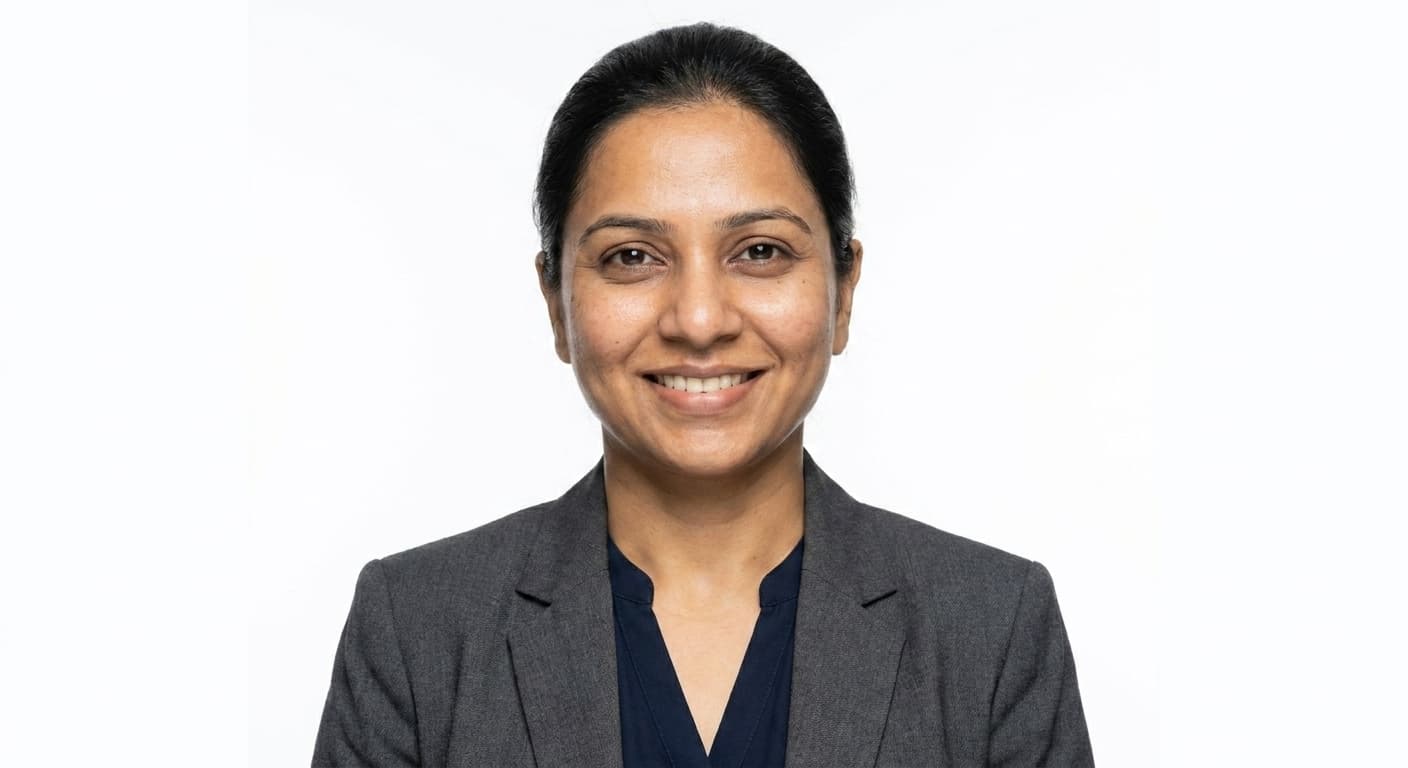
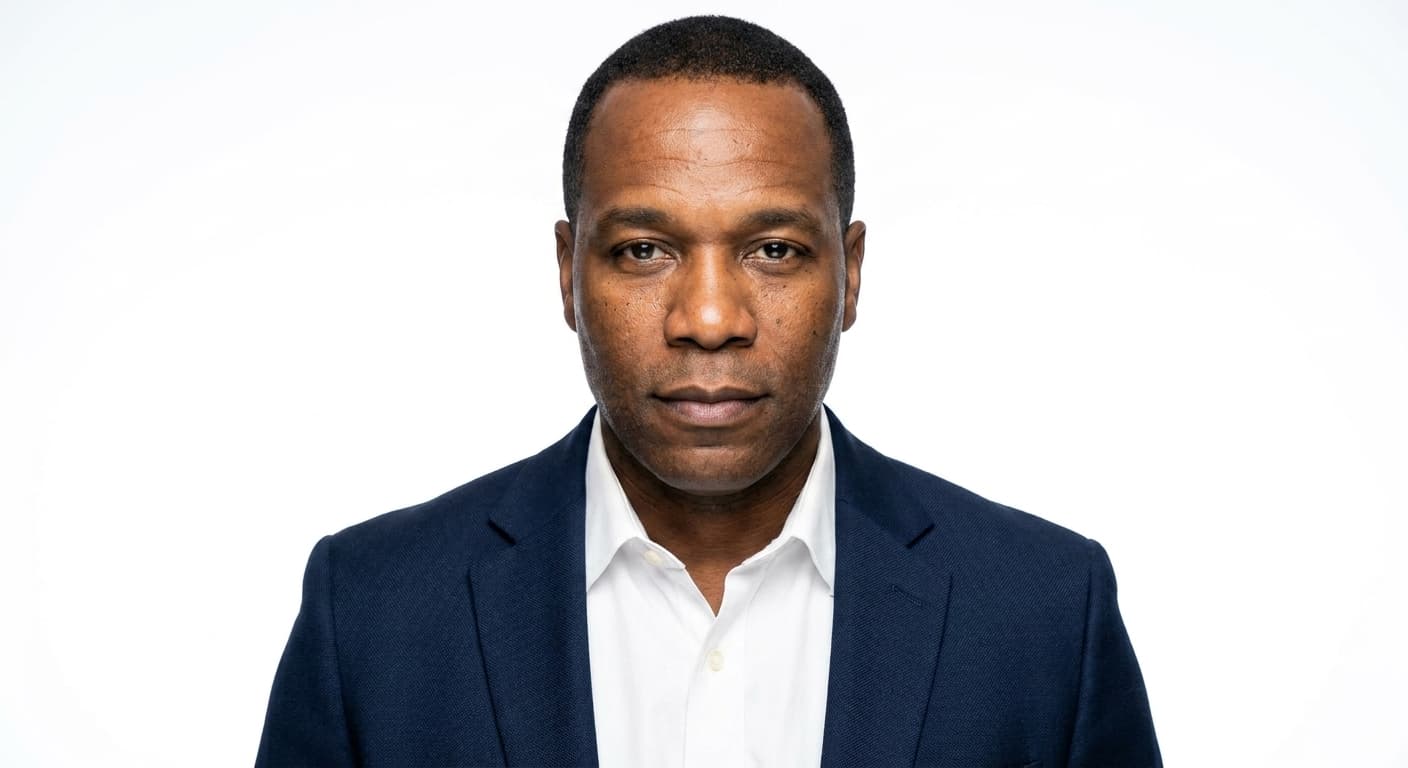
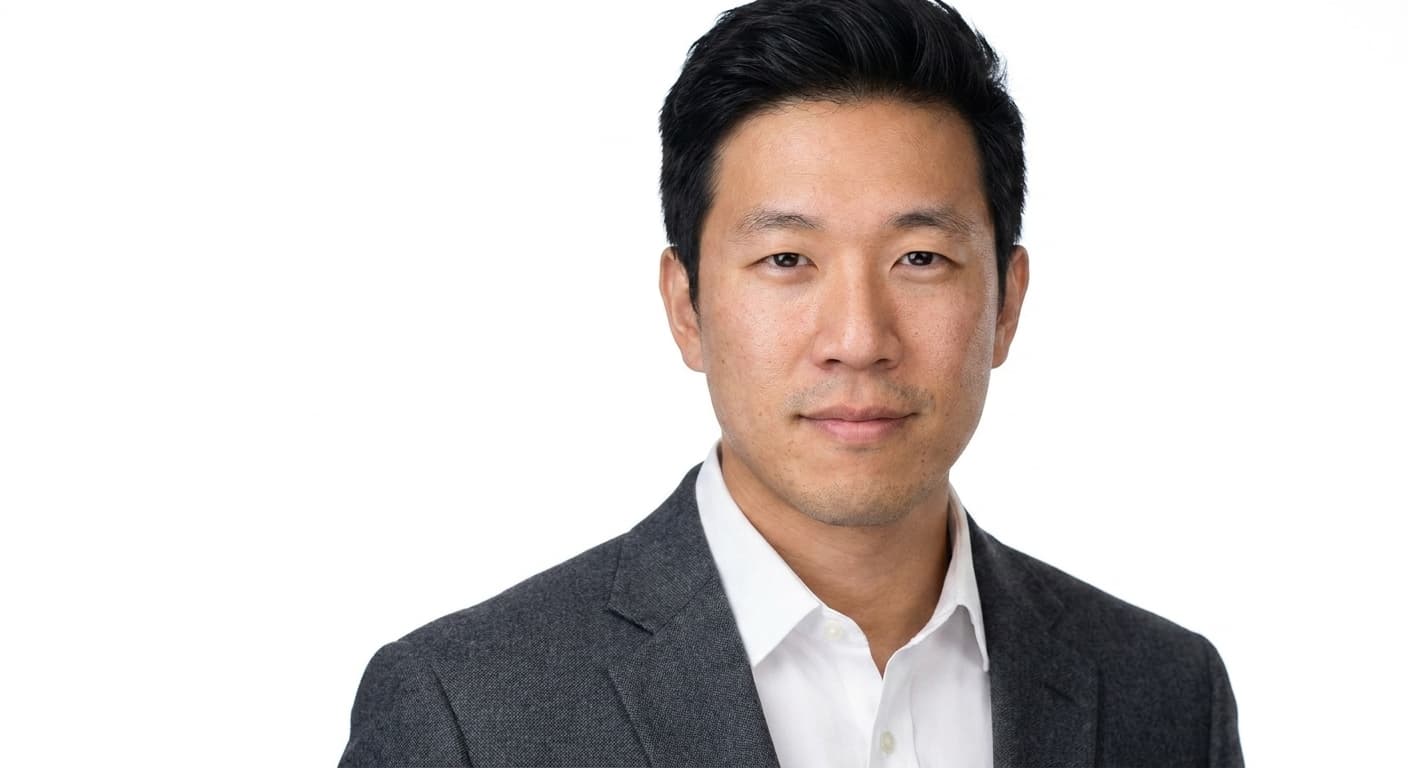
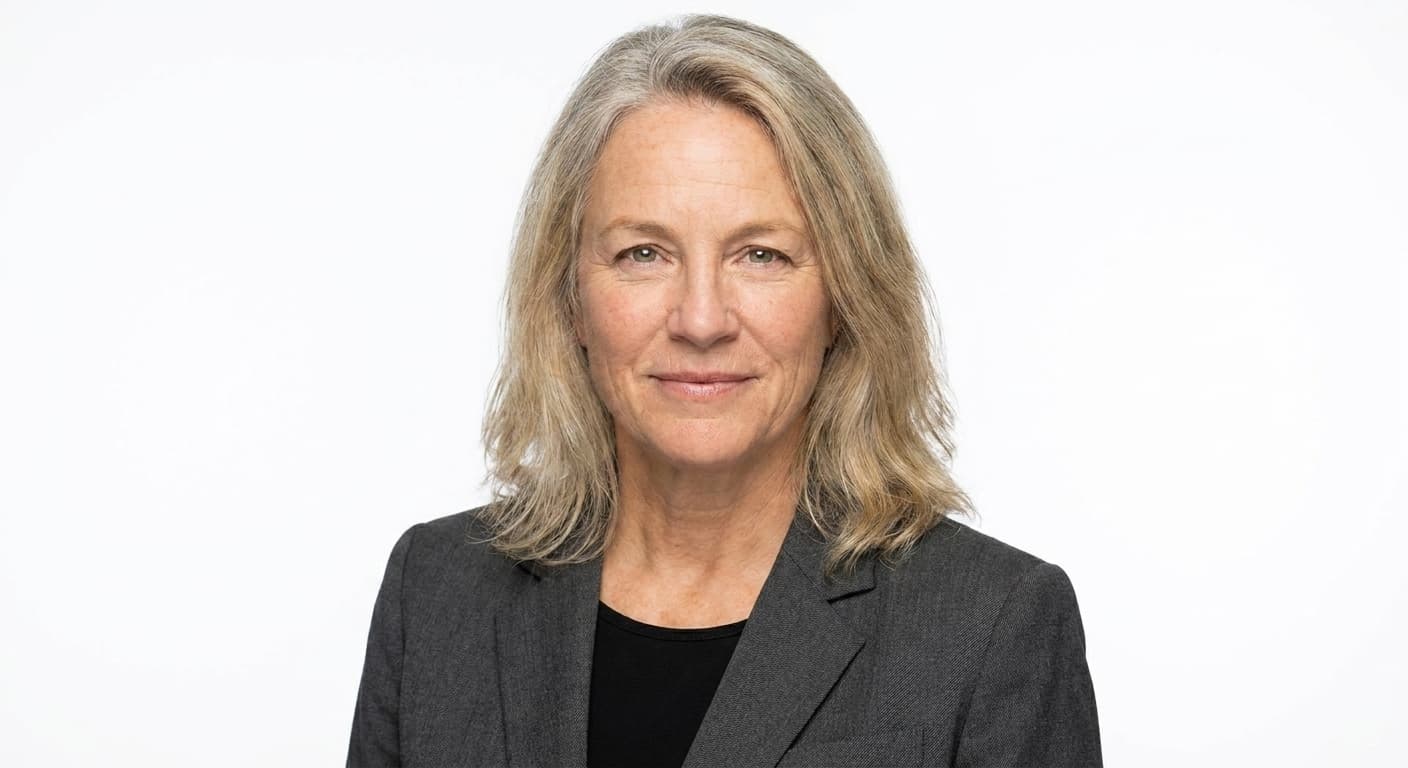
White-background AI headshot examples for press kits, bios, and brand sites. Clean, cutout-ready studio looks from Portreya.
When this style fits
Editorial publication, press kit, or any context that needs a clean white background you can later replace or crop around. Note: white backgrounds disappear in LinkedIn dark mode; use mid-tone gray for LinkedIn instead.
Where to use it
Press kits, book jackets, magazine bios, brand websites with light themes.
How Portreya generates these
Each example was generated by Portreya from a casual smartphone selfie. The Portreya pipeline preserves identity (face structure, skin tone, hair, age) and changes only attire, background, lighting, expression, and framing. Use the examples to choose the style direction before generating your own paid headshots.
When a white background is the right call
A pure white studio background is the standard for press kits, speaker one-sheets, book jackets, and brand sites that need a cutout-ready plate. Designers can drop the subject onto any layout without fighting color casts. It also signals catalog formality: product pages, conference apps, and media kits still favor the clean plate over lifestyle. The tradeoff is context. White vanishes in LinkedIn dark mode and can look clinical on warm consumer brands, so treat it as a reusable asset rather than a one-size profile photo.
How to read white-background headshot examples
Judge contrast first: clothing should separate cleanly from white without disappearing into it. Mid and dark solids win; pale pastels and white shirts need a jacket or deeper layer. Next, check edge quality: hair flyaways, glasses frames, and shoulders should look intentional, not over-smoothed. Finally, check expression under hard studio light. White bounce brightens the face, so a soft, natural expression reads better than a stiff corporate stare.
From these examples to your own photo
The examples above apply the same Portreya white-studio direction across different faces so you can judge consistency, not a single lucky render. If the plate works on a face like yours, Portreya Starter is $4.99 for 2 photos as a one-time payment, with money-back if results are not usable: upload one clear selfie, pick the white-background look, and each image takes about 60 seconds.
Frequently asked questions
Is a white background good for LinkedIn?
Usually no. White often disappears in LinkedIn dark mode and can flatten the circular crop. Prefer a mid-tone gray or soft studio background for LinkedIn, and reserve pure white for press kits, print, and light-theme brand sites.
What should I wear for a white background headshot?
Solid colors that clearly separate from white: navy, charcoal, forest, jewel tones, or a structured blazer over a lighter top. Avoid white-on-white and very pale pastels that merge into the background at thumbnail size.
Can AI white-background headshots be cut out for design?
Yes when the plate is clean and the edges are intentional. That is the main reason press and brand teams still request white: designers can mask or composite without fighting busy backdrops. Always check hair and glasses edges before you ship a file.
Comparing AI headshot generators? Read honest comparisons against Aragon, HeadshotPro, BetterPic, Secta, Photo AI, Dreamwave, and Multiverse.
See alternativesSee white-background headshots on your own photo
Choose a pack, upload one clear selfie, and generate each image in about 60 seconds.
Create your free account