Look like the advisor clients already trust
Create a credible consultant portrait for proposals, client decks, LinkedIn and your bio page. Start from one clear selfie and choose your look. Account creation is free; generation uses a paid pack. Photos are generated in under a minute once you've uploaded a selfie and chosen your options.
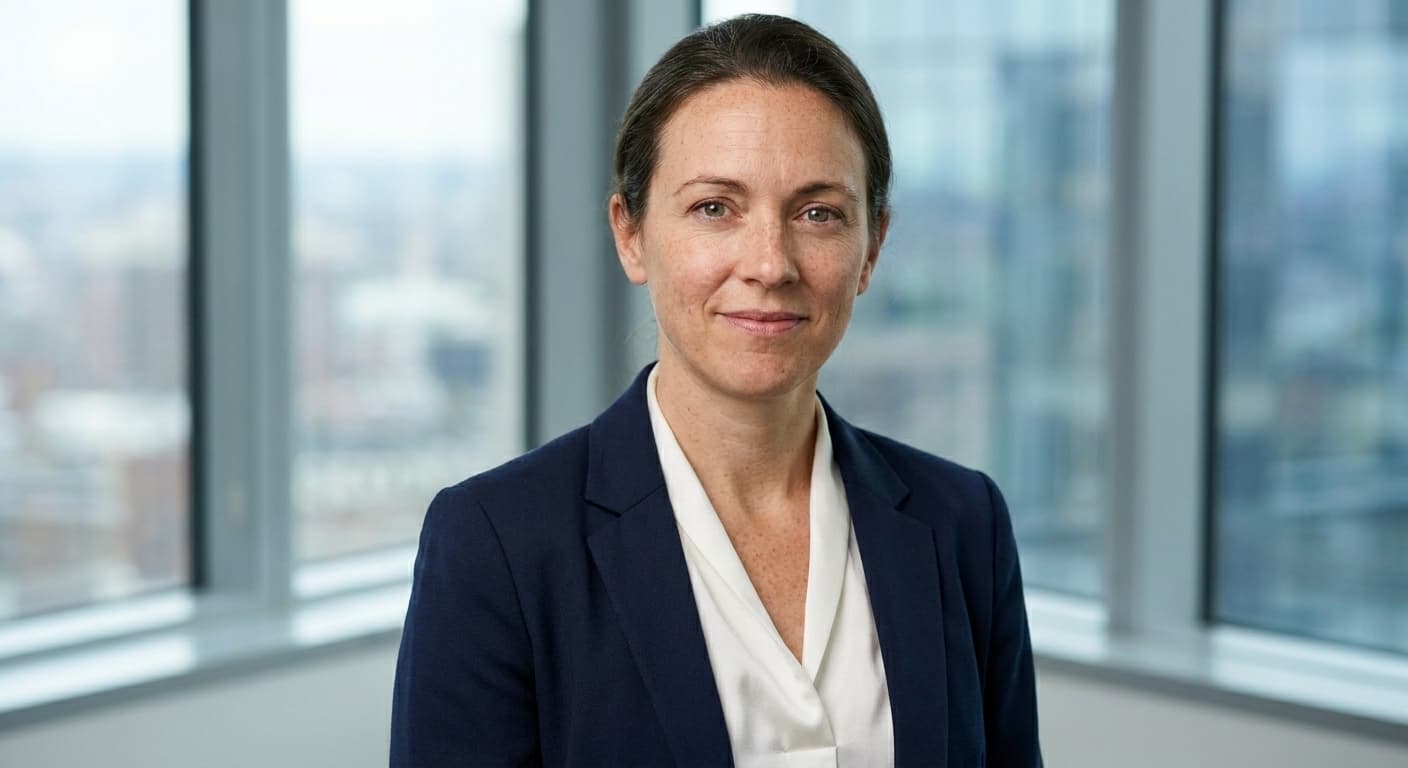 Portreya example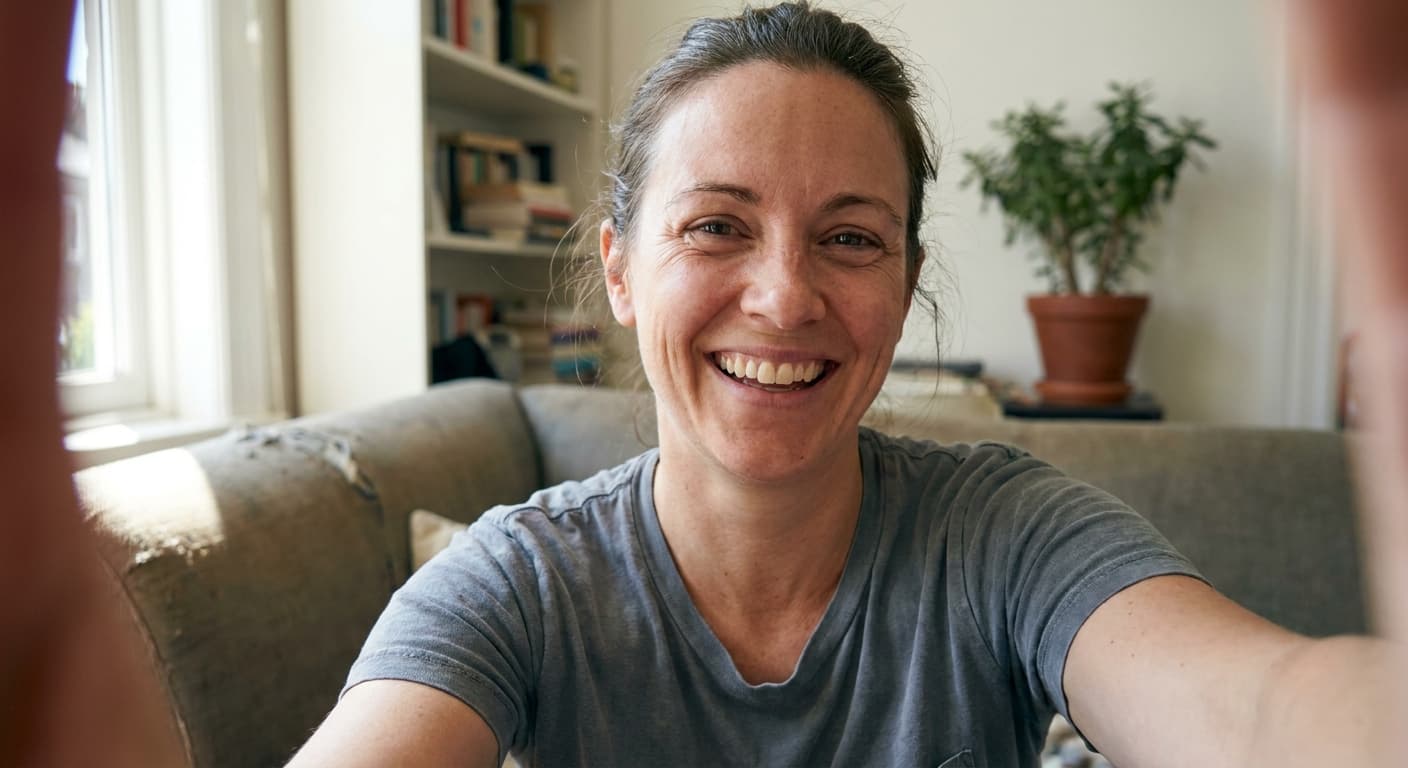
Example selfie
Your photo travels with your work: on the team slide of a proposal, in the bio of a pitch deck, in your email signature and on your profile pages. Clients often see it before they hear you speak. It should look current, composed and matched to the clients you serve. Portreya lets you create that portrait from one clear selfie and choose a formal or business-casual setting before generation.
Where consultants use a Portreya headshot
One credible photo across every document and profile that carries your name.
- Proposals
- Client decks
- Bio page
- Email signature
- Marketplace profile
Cost and time compared
Traditional headshot photographer
USD 250-450
Days to a couple of weeks
Portreya
From USD 5.99
Photos are generated in under a minute once you've uploaded a selfie and chosen your options.
How it works
- 1
Upload a selfie
One clear photo of your face. Phone selfie quality is fine.
- 2
Choose your pack and style
Pick the professional context you need, then generate your finished headshot after checkout.
- 3
Download in HD
Use on LinkedIn, proposals, client decks, your bio page, email signature and marketplace profiles.
What a consultant headshot has to do
A consultant's photo travels with the work: the team slide in a proposal, the bio page of a pitch, an email signature and a marketplace or firm profile. It is often seen small, next to a name and a day rate, by someone deciding whether to trust you with a problem. That means a clean, well-lit face, a neutral background that sits well on a white slide, and a look that matches the clients you serve, more formal for finance and law, lighter for tech and creative work.
When AI works for consultants, and when a photographer is better
For proposals, decks, LinkedIn and profile pages, a realistic AI headshot from one selfie gives you a current photo, and you can create a formal and a business-casual version for different clients. Photos are generated in under a minute once you've uploaded a selfie and chosen your options. A photographer is still the better choice if you need on-site images at a client workshop, a speaking photo, or a matching set with partners for a firm website. Use AI for the face that goes everywhere, and a shoot for the moments only a camera in the room can capture.
Built for client decks and proposals
Most of your photo's views happen inside documents. Choose a crop with some space around the head and shoulders, so it fits a round, square or rectangular frame on a team slide. A plain light-grey or soft white background prints cleanly and does not fight with a client's brand colours. Keep one master file and reuse it everywhere, so a prospect who saw your proposal recognises you on the call.
- Neutral light background that works on white slides
- Head-and-shoulders crop with margin for any frame
- One master file reused across decks and profiles
Frequently asked questions
Will it look like me?
Portreya is designed to keep your face structure and recognizable features while changing the setting and styling. Generated results can vary, so review the finished photos and use the included retry path if something looks off.
Will the photo work on proposal and deck slides?
Yes. Choose a head-and-shoulders crop with some space around it and a plain light background, so it fits round, square or rectangular frames on a white slide and sits well next to a client's brand colours.
Can I get multiple looks?
Yes. Generate different looks on the same face to cover formal clients (finance, legal) and business-casual ones (tech, creative) from one workflow, and keep one master file for decks and profiles.
What happens to my photos?
Portreya does not train a custom face model for your account. Third-party provider handling and retention depend on the route used. Read the Privacy Policy for current details and deletion requests.
What should a consultant wear for a headshot?
Dress to the level of your most formal regular client. A dark or mid-tone blazer over a plain shirt is the safe default; a smart knit works for tech and creative clients. Solid colours survive small slides and print better than fine patterns.
Should a consultant look serious or friendly?
Aim for confident and approachable: a relaxed face, a slight smile and steady eye contact. Clients are buying judgement, so avoid a broad grin, but a stern look can make you seem hard to work with.
Can I use an AI headshot as a consultant?
Yes, for proposals, decks, LinkedIn and profile pages, as long as the photo is realistic and looks like you. If a client or firm has its own photo guidelines, check them first and pick the version that fits.
How often should a consultant update their headshot?
About every two years, or sooner if your appearance changes or you reposition your practice, for example moving from corporate clients to start-ups. Proposals get forwarded for months, so the photo should still look like you when the meeting finally happens.
How much does an AI consultant headshot cost with Portreya?
1 Pack is USD 5.99 for 2 photos. Upload one clear selfie, pick consultant styling. Photos are generated in under a minute once you've uploaded a selfie and chosen your options. One-time payment, 14-day money-back guarantee under the refund terms.
Guides to prepare your shoot
Related professions
Make your proposals look as sharp as your thinking
Create one credible portrait you can reuse in every deck, proposal and profile.
Create my photos