Are AI Headshots Safe? Privacy and Data Basics

MH
Matthieu van HaperenFounder & CEO, Portreya · Updated Sep 2026

TL;DR: Quick Answer

Check whether a provider trains on uploads, how long files are retained, and how deletion works before uploading.

Creating a Portreya account is free, but generating your own photos requires a paid pack.

Upload one clear selfie only after the privacy terms fit your use, then review the final likeness before publishing.

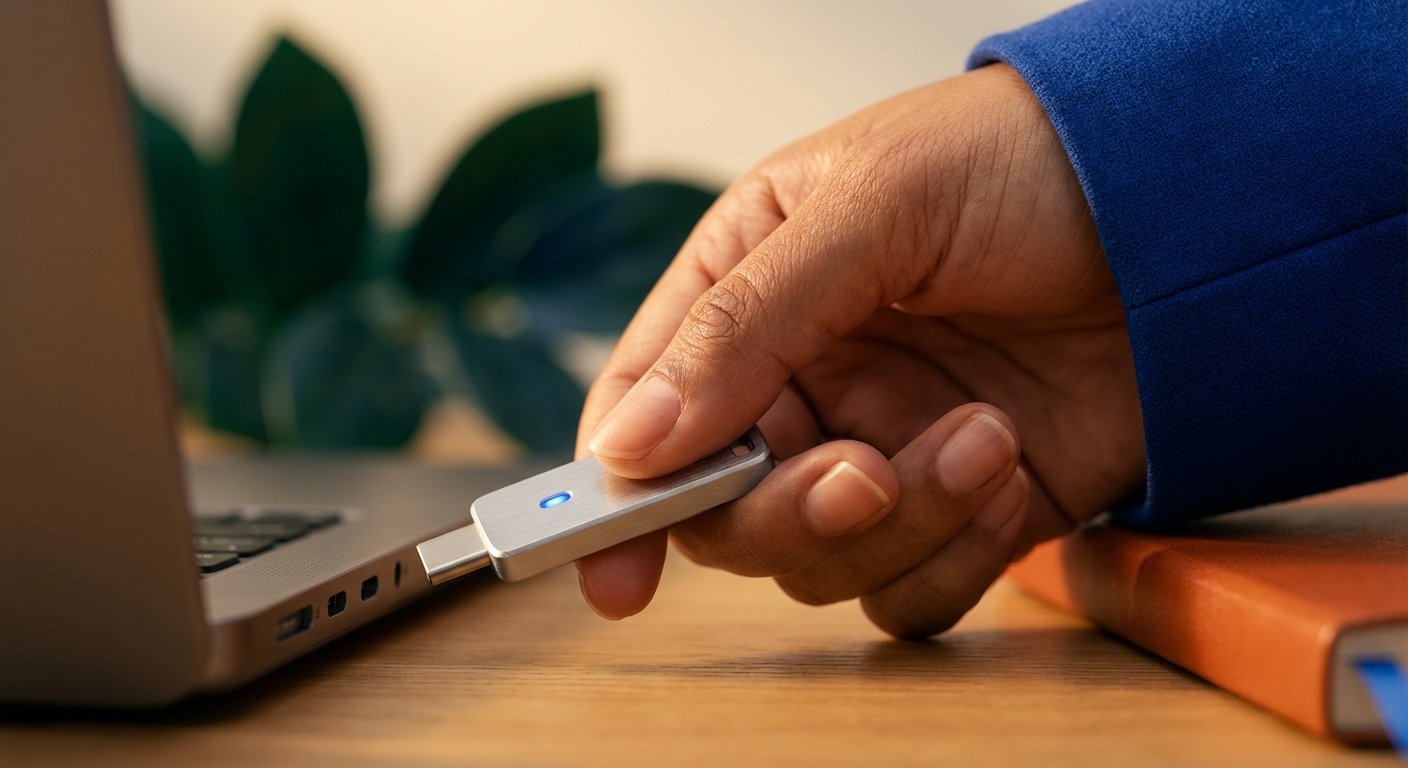
Person in blue jacket inserting a silver USB-C drive with a blue light into a laptop. Are AI headshots safe?

AI headshots can be safe for everyday LinkedIn, resume, and directory use when the provider is clear about upload retention, deletion, model training, and payment handling. The real risk is uploading your face to a vague service, not science fiction about permanent identity loss. Portreya is built for individuals: accounts are free to create, while generation requires a paid one-time pack at the current published price.

This guide is for people who want a professional image without guessing what happens to their photos after upload.

What “safe” means for AI headshots

Safety here is practical, not theatrical:

  1. Data handling: What happens to selfies after generation?
  2. Training: Are customer photos used to train models by default?
  3. Access control: Who can see uploads and outputs inside the company?
  4. Payment and account: Is billing separate from photo storage, and can you close the account?
  5. Output honesty: Does the final image still look like you, so you are not misrepresenting yourself to recruiters or clients?
If a tool cannot answer those in plain language, do not upload.

Questions every provider should answer in under a minute

QuestionWhy it matters
Are uploads used for model training by default?Training reuse is a different risk class than one-off generation
How long are source photos and results retained?Long retention without need is avoidable exposure
Can I request deletion?You should be able to remove personal images after you download what you need
Who processes payment?Card data should sit with a known payment processor, not a mystery form
Where is data stored / which laws apply?GDPR-aware users care about region and rights language
Write the answers down before you pay. Marketing blurbs are not a privacy policy.

Risks that are realistic (and ones that usually are not)

Realistic risks

  • Uploading to a free or unknown site with no retention policy
  • Keeping old selfies on a third-party server longer than you need
  • Publishing a result that looks like a younger or heavily edited cousin, which can backfire in interviews
  • Using work email + face on a tool your employer has not approved for regulated roles
Usually overstated risks
  • “The model will clone my life forever from one selfie” as a default outcome of every product
  • Assuming every paid AI headshot tool is equally careless
  • Believing a studio photographer has zero data risk (studios also store files)
Treat selfies as personal data. Use judgment proportional to your role and industry.

How to evaluate a tool in five minutes

  1. Open the privacy policy and search for training, retention, delete, and subprocessors.
  2. Check whether free tiers trade quality or rights for vague “research” language.
  3. Confirm you can download results and whether account deletion is documented.
  4. Generate with a non-sensitive selfie first if you are still unsure.
  5. Prefer products that state commercial use terms clearly for LinkedIn and resume use.
Portreya uses third-party AI providers to perform safety checks and generate the headshots you request. Current routes may include Google Cloud Vertex AI, the Google Gemini API, OpenRouter and its selected upstream providers, and WaveSpeedAI. Images and account records may also be stored with our hosting provider. Provider location, retention, and model-improvement settings depend on the route and configuration used.

Selecting or capturing an image may upload, store, and analyze it before the review or approval step is complete. Portreya does not train a custom face model for your account. You can request deletion through support, which will confirm the scope and status; operational, transaction, backup, or legally required records may remain longer.

How Portreya approaches individual headshots

Portreya is for individuals, not HR rollouts:

  • One clear selfie (additional source photos optional)
  • about 60 seconds per image to results
  • Paid one-time generation packs at the current published price
  • One-time payment (no subscription required to finish)
  • Money-back guarantee on paid plans
Start on the AI headshot generator when you want the product path. For how the tech fits day-to-day use, see AI professional headshots.

Create a photo you’re proud to share.

Creating your account is free. Choose a paid pack when you’re ready to create your photos.

Create my account

Selfie hygiene that reduces risk and improves quality

Safe practice and good quality overlap:

  • Use a recent selfie that matches how you look now
  • Face fully visible, even light, no sunglasses
  • Avoid uploading IDs, badges, documents, or other people’s faces
  • Do not upload medical or highly sensitive images “for fun”
  • Download your picks, then contact support if you want to request deletion and confirm its status
A strong selfie also produces better, more natural headshots, so you are less tempted to over-edit.

Workplace and compliance notes

If your company handles customer data under strict policies, check whether personal AI tools are allowed for profile photos. Many teams allow individual LinkedIn photos while requiring a managed vendor for company directories.

For company-wide rollouts (invites, brand style lock, seats), use TeamShotsPro instead of a personal tool. TeamShotsPro currently provides 3 branded test photos for quality evaluation; paid seats include 8 photos and use the current published pricing. TeamShotsPro does not currently offer a pre-approved DPA. If your organization requires one, contact us before purchasing or inviting employees.

Output integrity: looking like yourself

Privacy is not the only safety issue. Presenting a photo that does not look like you can create trust problems with recruiters and clients.

  • Pick the result that survives a glance from someone who knows you
  • Prefer natural texture over plastic skin
  • Re-capture if every option feels off rather than forcing a weak selfie
See the LinkedIn headshot guide for crop and recruiter cues, and what to wear if wardrobe is the weak link.

Red flags that should stop an upload

  • No privacy policy, or a policy that never mentions photos
  • “We may use your content to improve our models” with no opt-out and no detail
  • Pressure to grant social posting rights to your face as a default
  • Only free watermarked outputs with unclear commercial terms
  • Support that cannot answer retention questions
Walk away. Another tool exists.

Checklist before you upload a selfie

  • [ ] I read retention and training language
  • [ ] I know how deletion works
  • [ ] Payment processor is recognizable
  • [ ] Selfie is recent and only shows me
  • [ ] I will choose a natural final image
  • [ ] I know whether this is personal use or company policy territory

Next step

If the privacy basics check out for your use case, start with one clear selfie on the AI headshot generator. Choose a paid one-time pack at the current published price when you are ready to generate. For cost context, see how much professional headshots cost.

Frequently Asked Questions

Are AI headshots safe for LinkedIn?+

They can be when you use a provider with clear data practices and pick a natural result that still looks like you.

Do AI headshot tools train on my photos?+

Policies differ. Read training and retention language before you upload. Prefer clear non-training statements when that matters to you.

Is a free AI headshot tool safer?+

Not automatically. Free tools may monetize data or limit rights. Portreya accounts are free to create, but generation requires a paid one-time pack at the current published price.

A few minutesper generated photo

Ready to get started with Portreya?

Creating your account is free. Choose a paid pack when you’re ready to create your photos.

Create my account
Matthieu van Haperen

About the Author

Founder & CEO, Portreya

Matthieu van Haperen runs Portreya, where he helps individuals turn casual selfies into professional AI headshots. Before founding Portreya, he spent 6+ years building and scaling tech startups. He writes about professional photography, personal branding, and how AI is changing online portraits.

Connect on LinkedIn