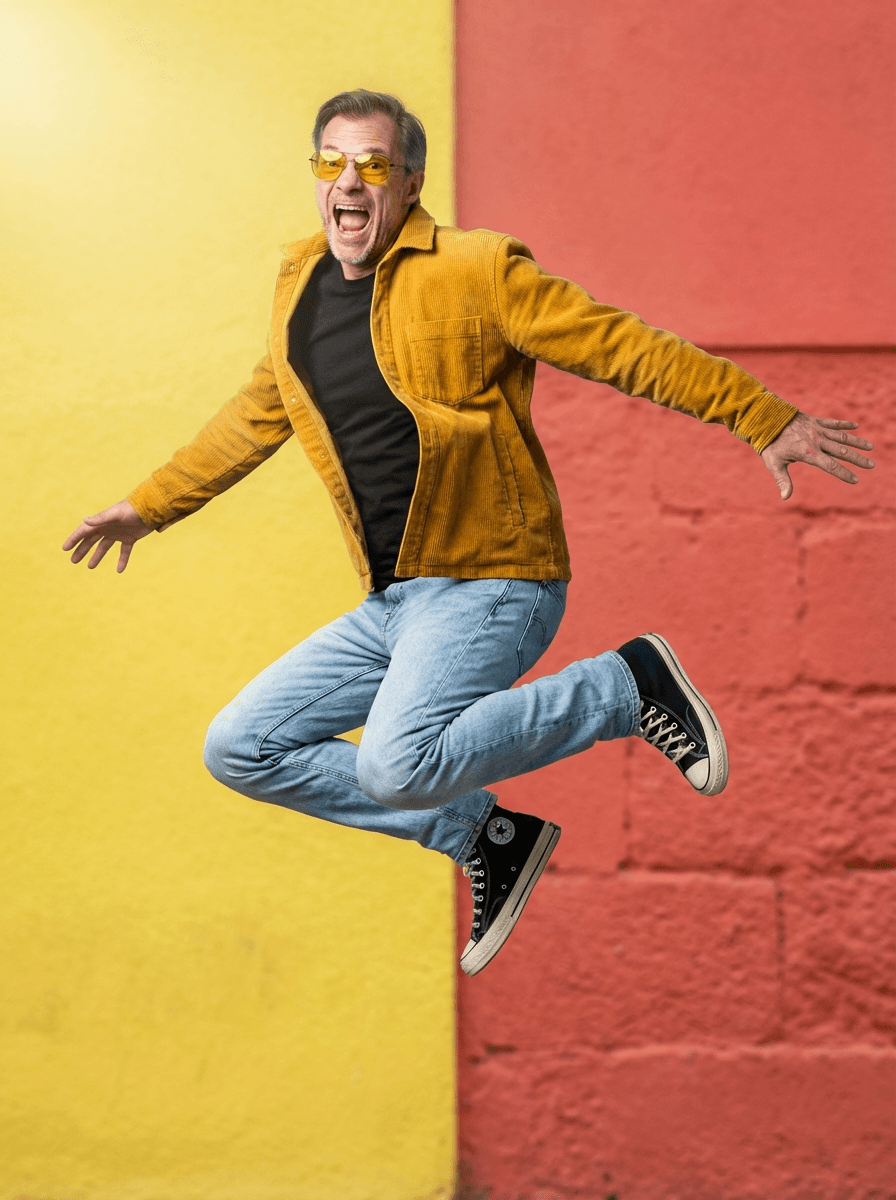
A useful before-and-after pair shows a normal source selfie next to a final image that is clearly the same person, just lit, dressed, and framed for work.
A photographer session typically costs $150 to $400. With Portreya, Starter is $4.99 for 2 photos, one selfie, about 60 seconds per image, one-time payment, money-back guarantee.
This guide is for an individual who needs a credible professional image, not a company photo day. If you need matching photos for a whole company, start with TeamShotsPro company headshots.
Don't judge by the "after" alone
A beautiful after image proves nothing without the source selfie. Marketing galleries are cherry-picked from thousands of generations; what matters is whether your face produces a credible result.
You can browse Portreya’s example galleries for free to see possible styles and compare source selfies with finished photos. Creating photos of yourself requires a paid pack and one clear selfie. After purchase and generation, compare your result with your source photo using the checks below. Read the refund terms before buying so you know what to do if the result is unusable.
Check identity match first
The face structure that matters: eyes, eyebrows, smile, jawline, nose bridge, hair pattern, and overall proportions. A headshot that "looks better than you" but doesn't look like you is not useful — recruiters, clients, and colleagues meeting you in person will register the mismatch.
Portreya is built around identity preservation. The generation pipeline keeps the source face structure, only changing attire, background, lighting, expression, and framing. If the result doesn't read as you, the money-back guarantee covers you.
Common AI artifacts to spot
When you compare before-and-after pairs from any AI headshot generator — Portreya, HeadshotPro, Aragon, BetterPic, Secta, Dreamwave, Photo AI — these are the artifacts that distinguish a credible result from a fake-looking one:
- Skin texture loss: real skin has visible pores, subtle tone variation, and tiny imperfections. Over-smoothed AI output looks plasticky on close inspection.
- Eye asymmetry or "dead" eyes: AI models occasionally produce mismatched pupil sizes, off-center reflections, or eyes that don't have the same catchlight as a real photo.
- Hair edge weirdness: stray flyaways replaced by clean borders, or hair that looks "carved" rather than wispy.
- Ear, glasses, or jewelry inconsistencies: missing earrings on one side, asymmetric glasses temples, or distorted watch faces.
- Background depth flatness: the background looks like a sticker behind the head rather than a real space the person is in.
- Clothing texture loss: shirt fabric that loses weave detail, suit lapels that look painted on, collars that don't sit correctly.
- Mirror selfie residue: if the source was a mirror selfie, sometimes phone outlines or reversed text bleed through into the "after."