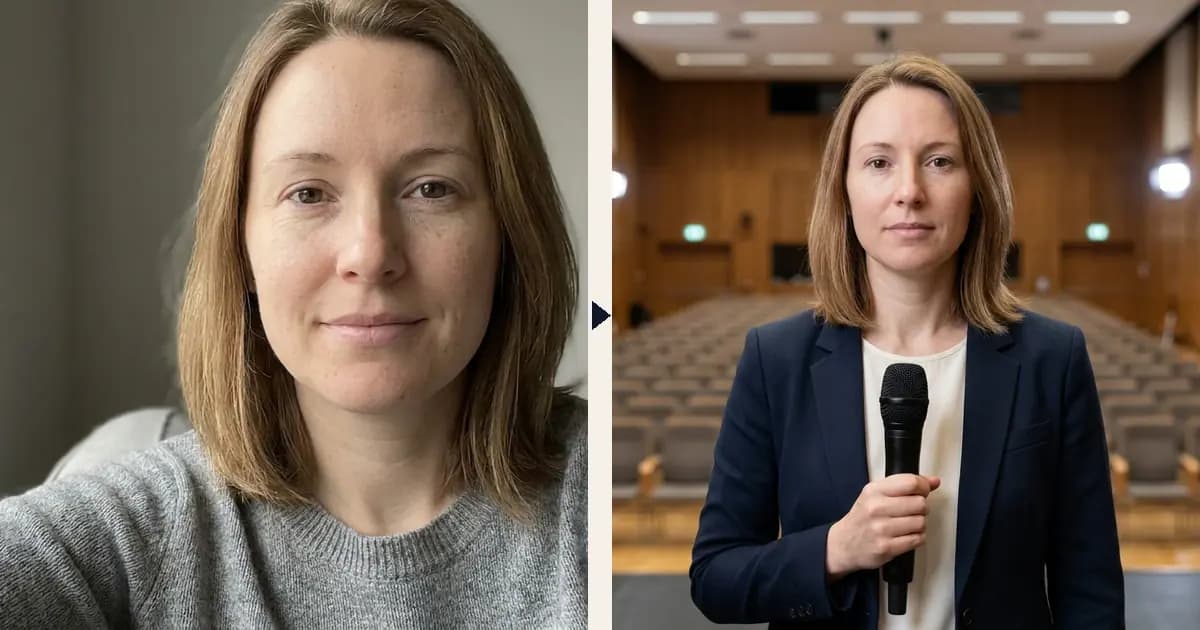
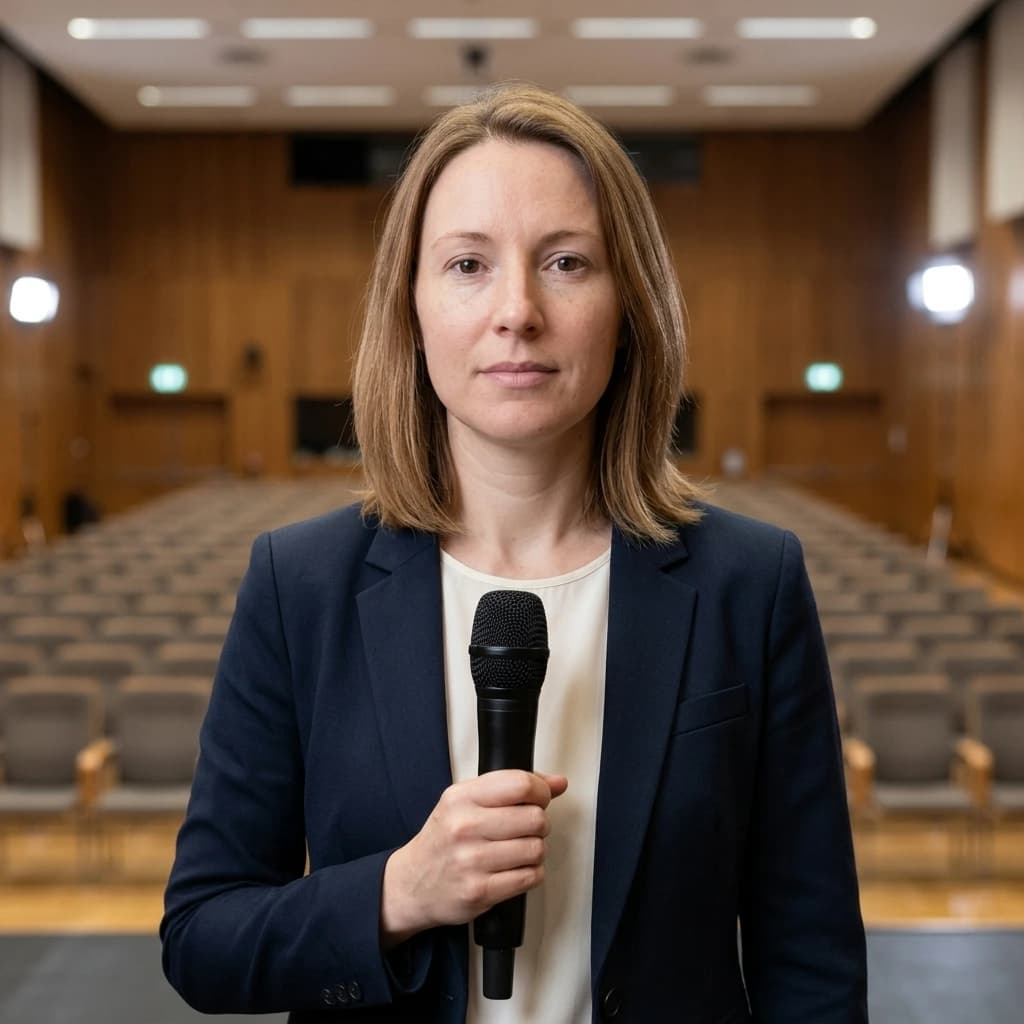
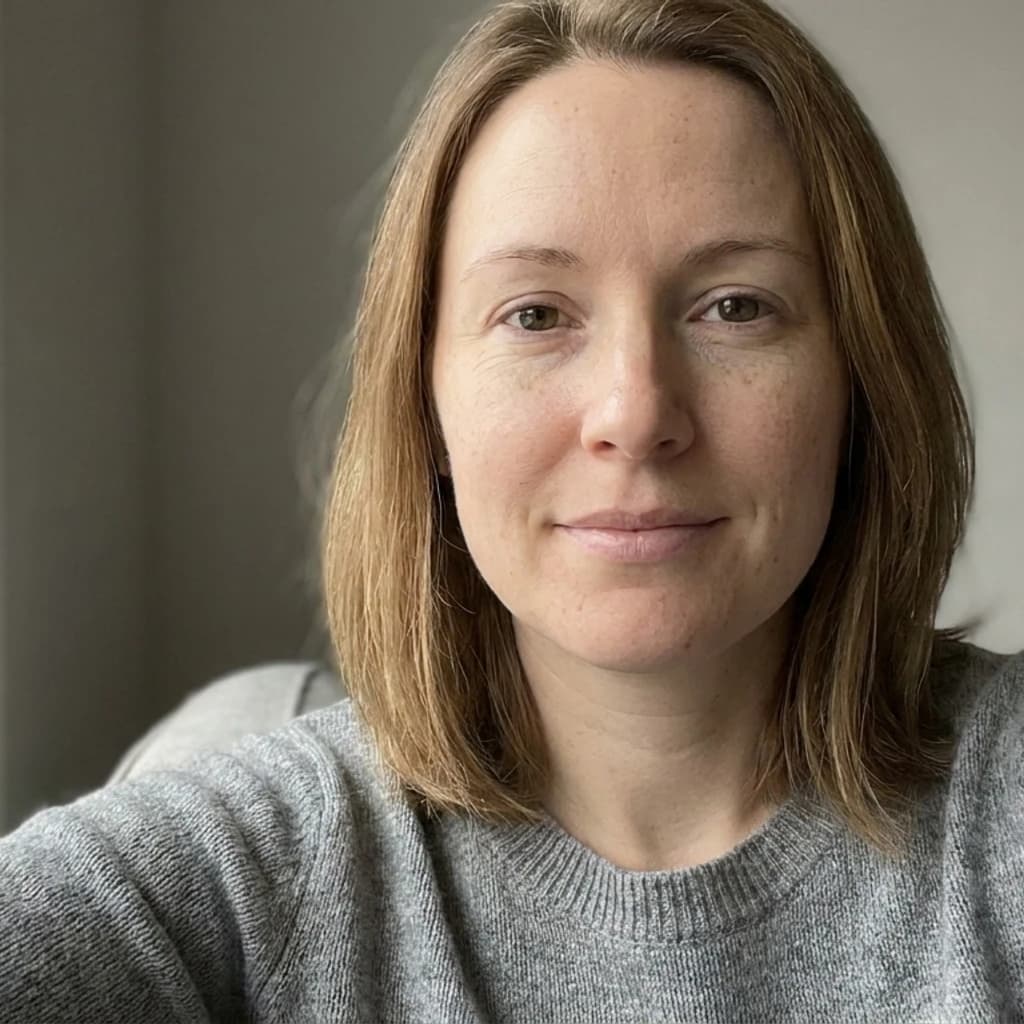
Selfie and result from the Portreya example library. Style and result vary with your selfie and options.
Personal branding photos are the images that represent you on LinkedIn, your website, speaker bios, press pages and social profiles. A working set is smaller than most guides claim: one current headshot as the anchor, one or two variants in different registers, and optional context shots of you working or speaking.
A photographer branding session is published at $395 to $2,295 in the examples below, and higher with experienced photographers. The headshot layer can come from Portreya's 1 Pack: $5.99 for 2 photos from one clear selfie, in about a minute per photo, one-time, with a 14-day money-back guarantee.
This guide is for individuals building a personal brand. It is not a team rollout playbook. If you manage photos for a whole company, start with TeamShotsPro instead.
For the LinkedIn piece of the set, see LinkedIn headshots. For lighting, clothes and pose, see professional headshot tips.
What a working set actually contains
The anchor is a clear, current headshot: the photo that appears next to your name on LinkedIn, in bylines, and in directories. The variants are the same face in different registers: a more formal version for proposals and press, a warmer casual-professional version for social profiles and community platforms. Context imagery, you speaking, working, or in your environment, is genuinely optional; it strengthens a personal site and a speaker page, but nobody was ever passed over because their about page lacked a photo of them gesturing at a whiteboard. What actually damages a personal brand is inconsistency: five platforms showing five different eras of you.
Consistency is the whole game
Personal branding photos work when recognition is instant across every surface. That means one recent likeness everywhere, the same register logic (your LinkedIn face and your conference-bio face should read as the same person on the same career), and updates that happen together, not platform by platform over three years. The practical implication: whatever route you choose, choose one that makes updating the whole set cheap, because the set you can afford to refresh is the set that stays consistent.
Personal branding photo checklist: what to shoot and where it goes
Plan the set by frame, not by number of photos. Each frame has a job, and some jobs need a camera.
| Frame | What it shows | Where you use it | Camera or AI |
|---|---|---|---|
| Anchor headshot | Head and shoulders, clear face, current look, professional register | LinkedIn, bylines, directories, email signature | AI works well |
| Formal variant | Same face, darker or neutral background, blazer or suit | Proposals, press and bylines, speaker and podcast kit | AI works well |
| Warm variant | Same face, lighter background, relaxed clothing, open expression | Newsletter, social profiles, community platforms | AI works well |
| Half-body with space for text | You from the waist up, with empty space on one side | Website hero and about page, event banners | AI for a studio-style version; camera if it has to show your real space |
| Environmental / working | You in your workspace, on stage, with a client or your tools | Website about page, press features, social posts | Camera |
| Detail / no-face | Hands, notebook, product, desk, venue | Newsletter and social posts, website sections | Camera |
Aspect ratios: square for profile photos, landscape for a website hero and a LinkedIn banner (see LinkedIn background photos), vertical for speaker pages and press kits. Export the crop each surface needs from the same image so the set stays consistent.
For the setting itself, see these headshot background ideas.
What personal branding photos cost in 2026
A branding session costs more than a headshot session because it covers several outfits, settings and the context frames. Here is what photographers publish on their own sites, next to the AI route for the headshot layer. Photographer prices are local examples, not averages. Note: the table mixes currencies; all rows are USD except Mateus Studios, which we assume is CAD.
| Route | Published price | What you get | Source (checked 29 Oct 2026) |
|---|---|---|---|
| GKPhoto, The Personal Brand (Wake County, NC) | $395 before NC sales tax | About 45 min, 2 to 3 outfits or backdrops, 5 retouched images, headshot plus environmental | gkeyphoto.com/branding |
| 312 Elements (Chicago) | $500 session fee + $250 per image | Directed session, pre-session planning, private gallery; images bought individually, retouched and licensed | 312elements.com/personal-branding |
| Photography Shark, Essential / Signature / Executive (Rockland, MA, Boston area) | $995 / $1,795 / $2,295 | 60 min, 3 looks, 30 images / 2 hr, 6 looks, 50 images / 3 hr, 9 looks, 70 images | photographyshark.com/personal-branding-photography |
| Experienced branding photographer, dclee.net cost guide (published range) | $1,300 to $5,000 | Multi-look, often multi-location sessions; hair, makeup and location rental often extra | dclee.net cost guide |
| Experienced branding photographer, Mateus Studios cost guide (published range) | 1,300 to 5,000 CAD (assumed: Vancouver studio, currency not stated on source) | Multi-look, often multi-location sessions; hair, makeup and location rental often extra | mateusstudios.com cost guide |
| DIY | Your time + a helper | Context and detail shots, if someone can operate the camera | — |
| Portreya 1 PackFastest listed | $5.99 one-time ($3.00 per photo) Try for $5.99 → | 2 photos, one template pack, 1 edit per photo | Portreya pricing |
| Portreya Try-OnFastest listed | $27.49 one-time ($2.75 per photo) Try for $5.99 → | 10 photos, the included template packs, your own outfit, hair and eyewear references, 2 edits per photo | Portreya pricing |
| Portreya Studio (Lowest cost per photo)Fastest listed | $34.99 one-time ($2.33 per photo) Try for $5.99 → | 15 photos, everything in Try-On plus Studio controls for background, pose, clothing, branding and framing, 3 edits per photo | Portreya pricing |
A photographer is the right call when your brand runs on imagery: speakers, coaches and founders whose site is their storefront, and anyone who needs the environmental and detail frames. DIY works for context shots if you have someone to hold the camera. AI covers the anchor and its variants, and makes it cheap to refresh the whole face layer after a haircut or new glasses. For headshot-only sessions, see what a headshot session costs. For how an AI shoot compares with a studio, see AI photoshoot.
Which Portreya plan fits a personal-brand set
- 1 Pack ($5.99, 2 photos): an anchor and one variant inside one template pack, such as the LinkedIn pack. Clothing, backgrounds and poses are preset, so both photos share that pack's register.
- Try-On ($27.49, 10 photos): formal and warm registers across the included template packs, and you can use your own outfit, hair and eyewear references with Virtual Try-On.
- Studio ($34.99, 15 photos): everything in Try-On, plus Studio controls for background, pose, clothing, branding and framing, useful when you need a website or speaker image that matches your brand.
Platform by platform
On LinkedIn, use the anchor: clear face, professional register, current. On a personal website, the anchor plus context imagery if you have it. On speaker and podcast bios, the formal variant at high resolution. On community platforms and social, the warmer variant. On job applications, follow the regional rules and reuse the anchor where a photo is appropriate. The set stays small; the discipline is using it everywhere instead of letting each platform accrete its own photo. On a company website or in proposals, the same rules as business headshots apply.
Personal branding photo ideas by profession
- Coach or consultant: a warm anchor for social, a formal variant for proposals, and one working shot with a client or at a whiteboard. See business headshots.
- Founder: a composed anchor for press and investor decks, a relaxed variant for the team page and social, and a landscape hero for the website. See executive headshots.
- Speaker or podcaster: a formal vertical portrait for speaker bureaus, a square crop for guest art, and a stage or studio shot taken with a camera.
- Real estate agent: a friendly, current anchor for listings, signs and portals, plus one shot on location. See real estate headshots.
- Lawyer: a conservative formal anchor for the firm profile and directories, and a slightly warmer variant for LinkedIn. See lawyer headshots.
- Creator: a warm, expressive anchor for profiles and a few vertical crops for social. See Instagram profile photos.
Keeping it current
A personal brand photo set has a shelf life set by your appearance, not by the calendar. New glasses, a different haircut, a notable change in look: that is the update trigger. The failure mode is updating LinkedIn and leaving the conference bio three years stale. Refresh the full set together and replace every copy on the same day; with the AI layer, each photo takes about a minute.